
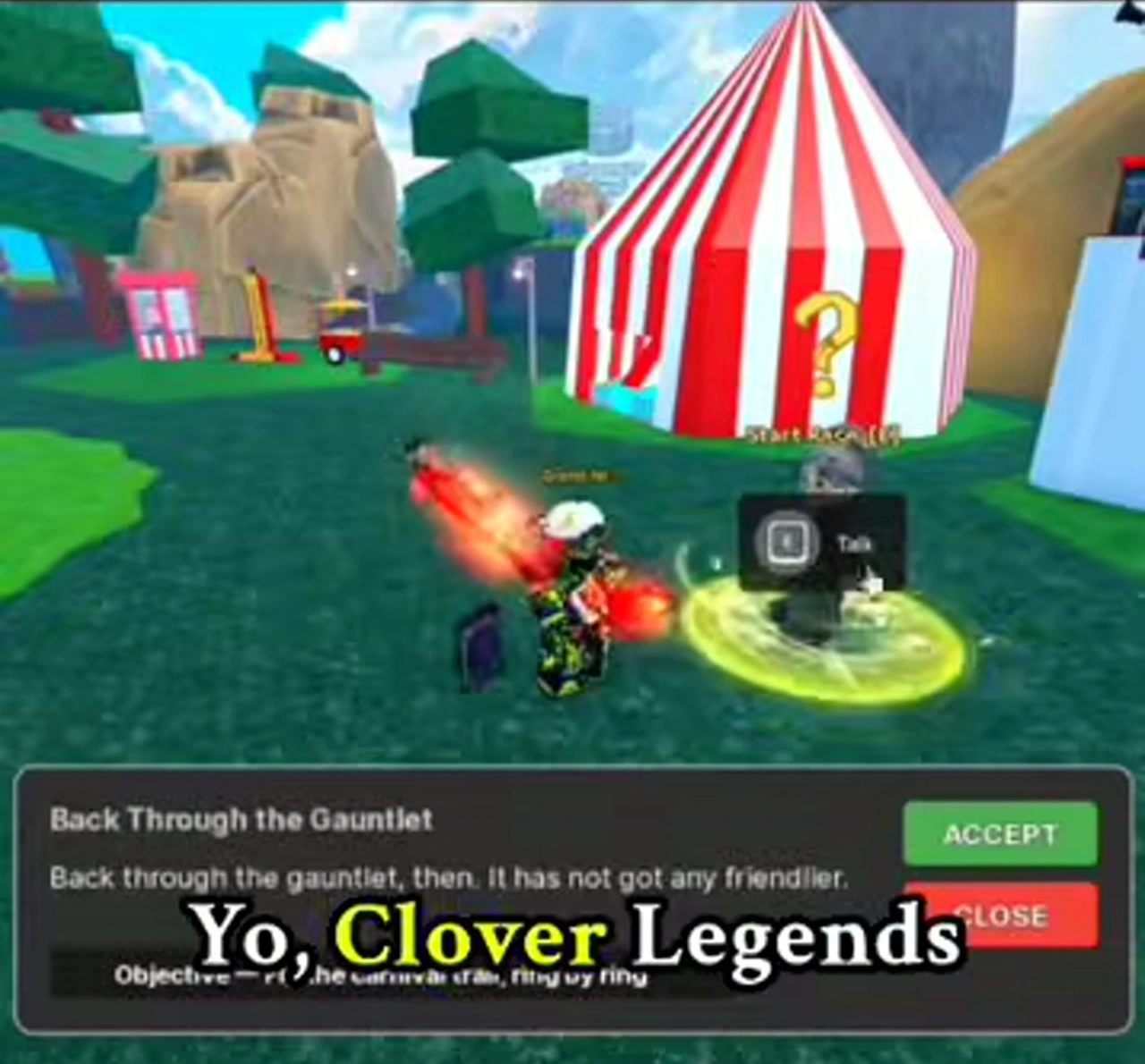
Start beside the striped tent
Look for the Start Race NPC next to the striped tent. Interact to open Back Through the Gauntlet, then choose Accept. The demonstration begins with a broom already equipped; read your own broom controls before attempting the route.
Do not confuse accepting the race with buying a broom. If you cannot fly, check your equipped item and its controls first. The race task and the equipment menu answer different problems.
Countdown, rings, finish
Wait for the countdown
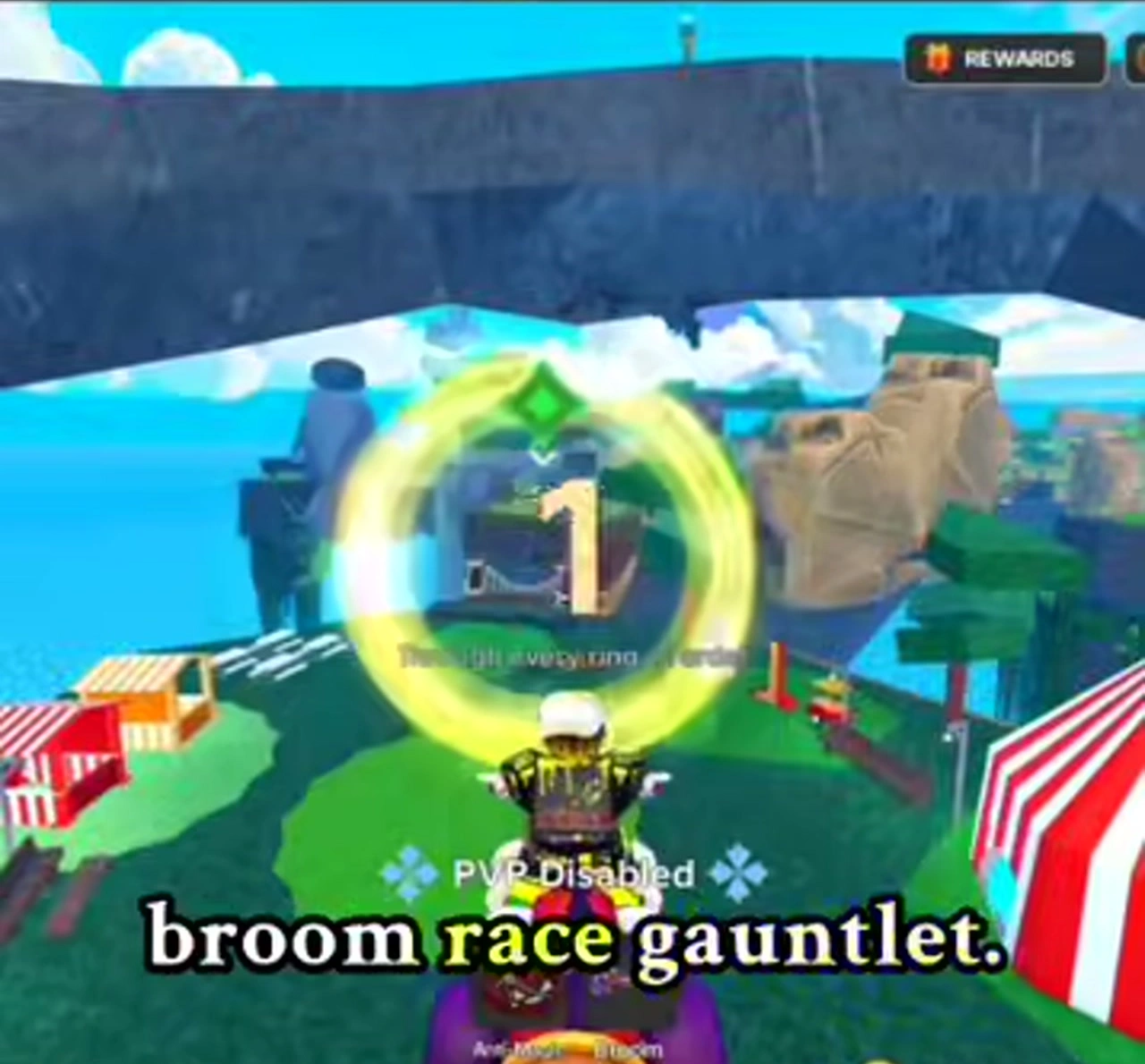
Line up with the opening ring and watch the countdown before following the course. Aim through the visible centre rather than turning toward scenery away from the ring.
Follow the glowing route
Continue from ring to ring while the timer runs. The route passes through gaps in the rocks, so use the next ring as your turning point. For a practice run, prioritise finishing the course over cutting every corner.
Look for completion
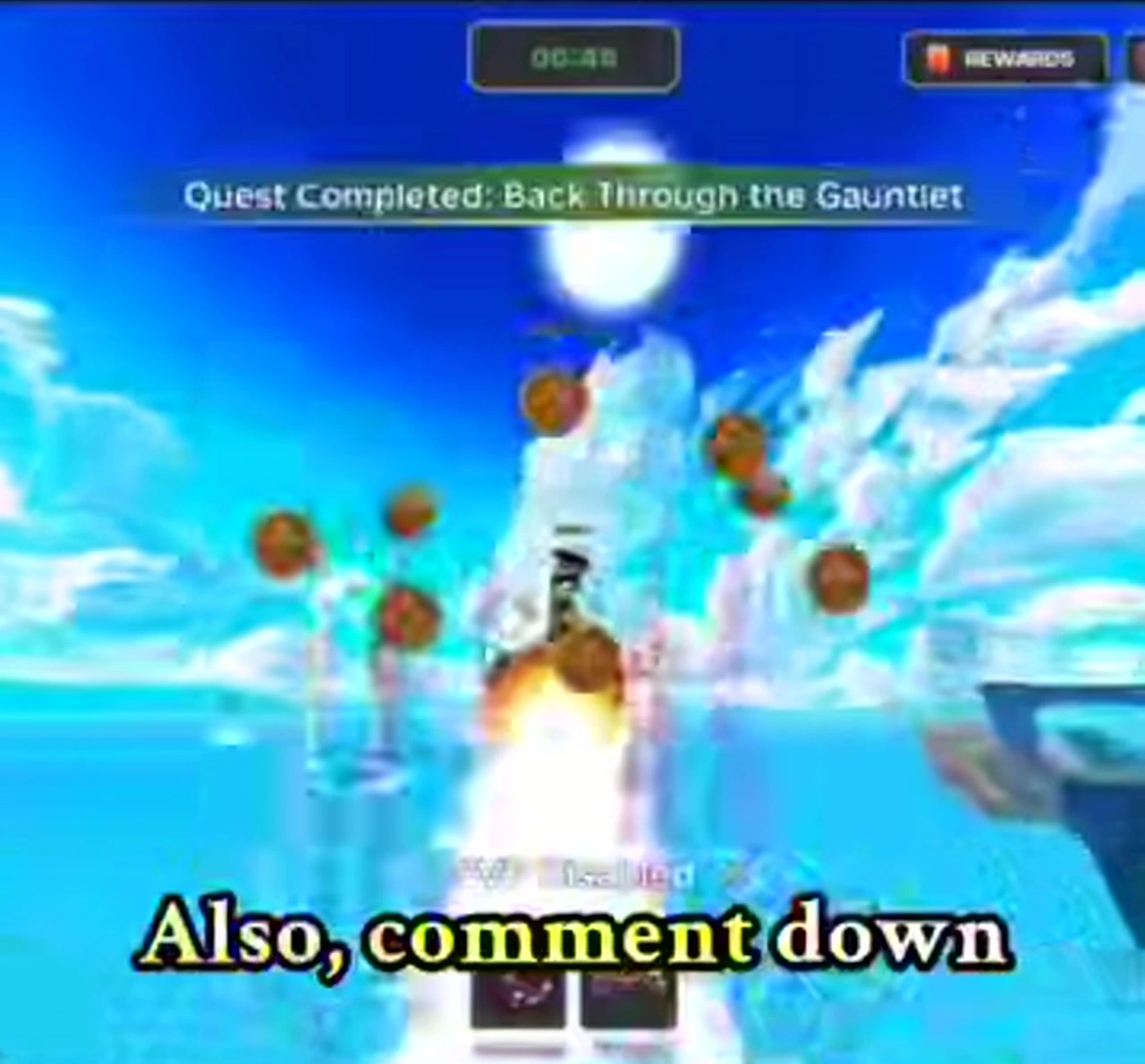
A visible completion message settles whether the task finished. A timer on its own is not a completion message; check the banner before leaving the course.
If a run goes wrong
- No task panel
- Return to Start Race and check that you accepted the task.
- Cannot fly
- Inspect your equipped broom and the controls shown on your device.
- Lost the route
- Reorient toward the next glowing ring. Watch the short demonstration for the rock-gap turns.
- No completion message
- Check the active objective before treating the run as finished.
For combat unlocks after racing, return to Book Level and player-level checkpoints. For opening quests, follow the beginner route.
Something different in your game? Send a correction with the relevant panel.